
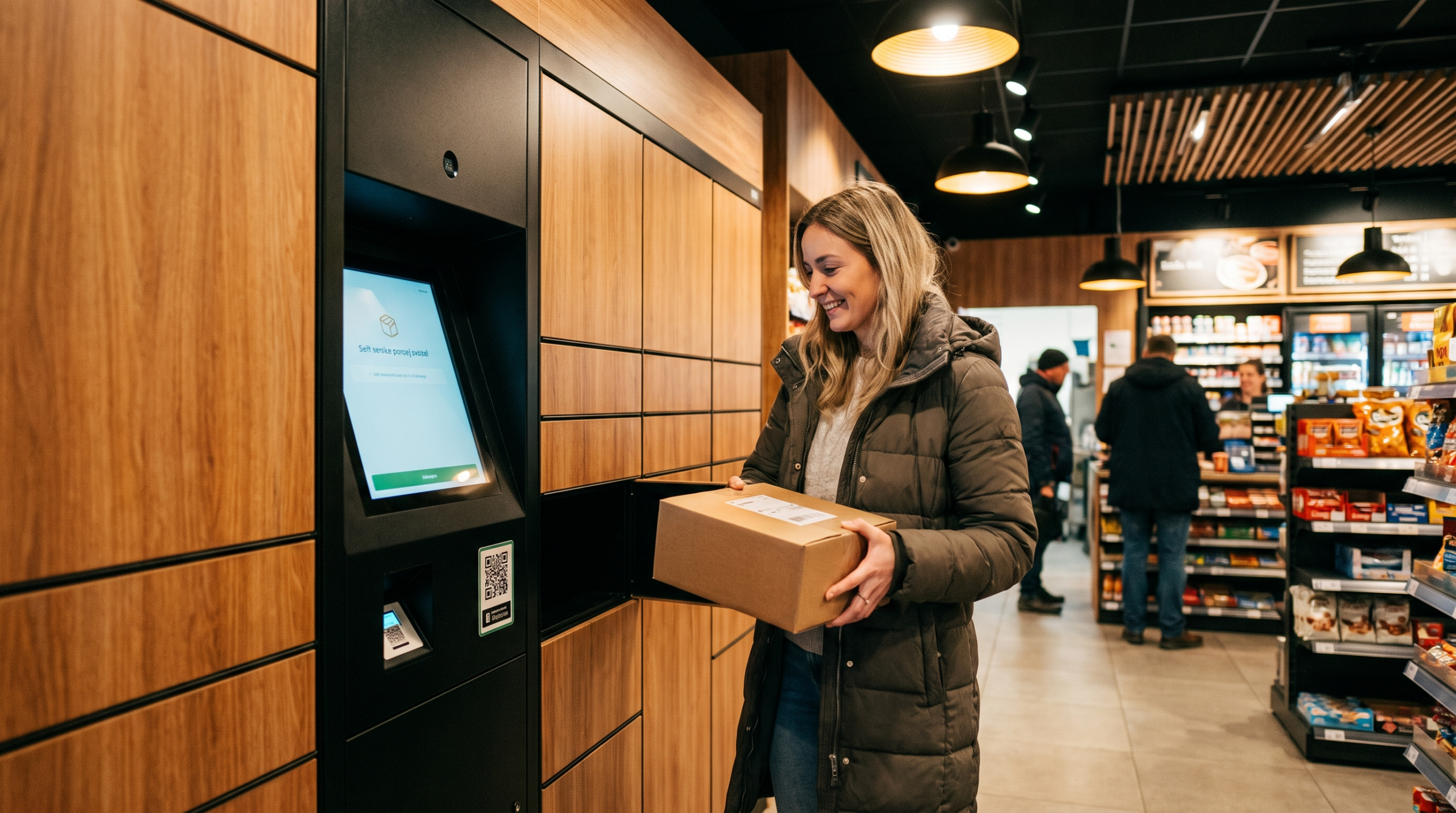
Every parcel you send to a home address in 2026 carries a residential surcharge, a delivery-area surcharge if the ZIP is unlucky, and a real chance of a « customer not home » attempt that ends in a return-to-sender fee. There is one routing choice that wipes out most of those costs at once: send the box to a parcel locker or carrier access point instead of the front door.
This guide explains how the UPS Access Point, FedEx OnSite and Hold at Location, USPS Smart Locker and third-party locker networks work in 2026, exactly which fees disappear, what it costs (usually nothing), and how to get customers to choose it without hurting conversion.
All fee figures are indicative list rates; negotiated accounts and service levels change the numbers.
Why the front door is the most expensive address you can ship to
Carriers price the last mile by how hard it is. A residential stop costs them more than a commercial dock, so they pass it on. In 2026 the residential surcharge rose again with the annual rate increase, and it stacks with other accessorials.
| Fee (2026 list, indicative) | UPS Ground | FedEx Ground / Home Delivery | Applies to locker / access point? |
|---|---|---|---|
| Residential surcharge | ≈ $6.00–6.50 per pkg | ≈ $6.00–6.50 per pkg | No |
| Delivery area surcharge (residential) | ≈ $6.50–8.00 | ≈ $6.50–8.00 | Usually no (commercial DAS may still apply in remote ZIPs) |
| Signature required | ≈ $6.50–8.00 | ≈ $6.50–8.00 | No (ID check at pickup is free) |
| Return to sender after failed attempts | Full return freight | Full return freight | Rare (held 5–7 days, then returned) |
| Peak residential surcharge (Oct–Jan) | ≈ $0.75 per pkg | ≈ $0.80 per pkg | No |
Add it up: a $9.40 Ground label to a rural home can carry $13 to $15 in accessorials. Redirect that parcel to a locker and most of that line disappears.
The 2026 locker and access point networks, compared
UPS Access Point
More than 21,000 locations in the U.S. (The UPS Store, CVS, Michaels, Advance Auto Parts, independent shops) plus locker banks. Shipping to an Access Point or holding at a UPS Customer Center carries no surcharge in 2026. Packages are held five business days; many locations are open late or 24/7. You select « Deliver to UPS Access Point » when creating the label, or the recipient can redirect via UPS My Choice (free for Access Point redirects).
FedEx OnSite and FedEx Lockers (Hold at Location)
Roughly 14,000 OnSite locations (Walgreens, Dollar General, FedEx Office) and a growing locker footprint. Hold at Location is free for FedEx Express and Ground; lockers hold packages seven days. Size limits apply: most lockers accept up to about 18 × 18 × 24 in and 40 lb.
USPS Smart Locker and Hold for Pickup
USPS keeps expanding Smart Lockers inside post offices, free for both sender and recipient. Because USPS already has no residential surcharge, the saving here is mainly on failed deliveries and porch theft rather than fees.
Third-party networks
Amazon Hub Counter/Locker, Luxer One, Parcel Pending and retailer-run lockers accept any carrier in most cases. They are useful for apartment buildings but usually do not change your carrier’s pricing.
| Network | Locations (approx.) | Fee to ship there | Hold time | Max size |
|---|---|---|---|---|
| UPS Access Point | 21,000+ | $0 | 5 business days | Varies; lockers ≈ 20 lb / 24 in |
| FedEx OnSite / Locker | 14,000+ | $0 | 5–7 days | ≈ 40 lb, 18×18×24 in |
| USPS Smart Locker | Expanding (thousands) | $0 | ≈ 5 days | Locker cell size |
| Amazon Hub / Luxer / Parcel Pending | Tens of thousands | $0 to recipient; carrier pricing unchanged | 3–7 days | Locker cell size |
Real savings math for a small shipper
Take a store sending 400 Ground parcels a month, 85 % of them residential, 15 % in delivery-area ZIPs. Convert just one in five residential shipments to an Access Point.
- Residential surcharges avoided: 68 parcels × ≈ $6.25 = ≈ $425 per month
- Delivery-area surcharges avoided: ≈ 10 parcels × ≈ $7.25 = ≈ $73 per month
- Failed deliveries and reships avoided (2 % of volume, ≈ $18 each): ≈ $30 per month
That is roughly $6,300 a year from a checkout option that costs nothing to offer. Push the opt-in rate to 40 % and the figure doubles.
How to get customers to pick a locker
- Show it at checkout, not after. Shopify, WooCommerce and BigCommerce apps (and carrier-native « pickup point » widgets) let shoppers choose a nearby location on a map.
- Price it. Make locker delivery free and home delivery $2 to $4. Shoppers in cities and apartments switch quickly; the discount is still smaller than the surcharge you avoid.
- Sell the benefits: no porch theft, pickup at 9 p.m., no missed attempts. These messages convert better than « cheaper for us ».
- Use it for returns too. Access Point drop-offs are free for the customer and cheaper than a scheduled pickup.
- Turn on My Choice / Delivery Manager redirects. Even if the customer chose home delivery, they can move the parcel to a locker at no charge, saving you the second-attempt risk.
When lockers are the wrong choice
Skip lockers for oversize or heavy items (most cells cap around 40 lb), hazmat, perishables, high-value goods that require adult signature, and rural customers with no location within 10 miles. Also watch hold times: a five-day window during a holiday week can end in a return, so set up pickup reminders.
Conclusion: the cheapest address is often not a home
Parcel lockers and access points are free to ship to, remove the residential and most delivery-area surcharges, kill signature fees and almost eliminate failed deliveries. For a small shipper that is thousands of dollars a year with no change to carriers or contracts.
Want to see the fee difference on your own shipments? Compare discounted UPS, FedEx and USPS rates on ShipPayLess and route parcels to the cheapest option, home or locker, in one click.
 FR
FR  EN
EN